

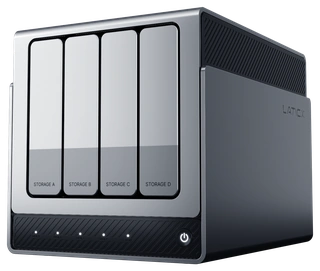

All X4 Models
Find a Photo
- Photos Saved on the NAS
- AI Photos Processes Locally
- Open the Original Photo
Browse people, scenes and places, or search the content, then return to the photo itself.


DATA & CONTROL
Choose what AI can use,
and what your family can see.
YOUR DATA. YOUR CHOICES.
Local storage. Local AI. Sharing on your terms.
DATA ACCESS SCOPE
THE DATA PATH
From content you bring in, through local processing, to the devices you choose.
Bring in photos, files and recordings from computers, phones and supported companion devices.
Supported AI Photos tasks run locally across the X4 series. Assistant and knowledge-base inference run locally on PRO models.
Revisit original photos and files, check answer sources and share approved content with family or a home display.
EVERYDAY TASKS
All X4 Models
Browse people, scenes and places, or search the content, then return to the photo itself.
PRO Models
Saving a file and making it available for Q&A are separate choices. Check generated answers against the cited content.
N1 App + PRO Models
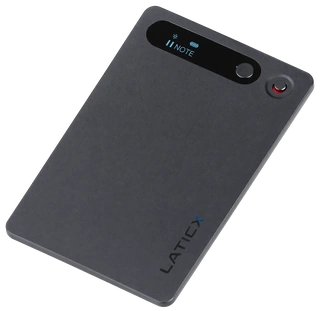
Recording, app transcription and NAS organization are separate steps. Transfers, remote access and updates have their own connection requirements.
CONNECTION & ACCESS
“Local” describes where model inference runs. It does not mean every feature works without a connection.
App downloads and software updates need a connection. Remote access and third-party services have their own connectivity and data-handling requirements, to be documented per feature.
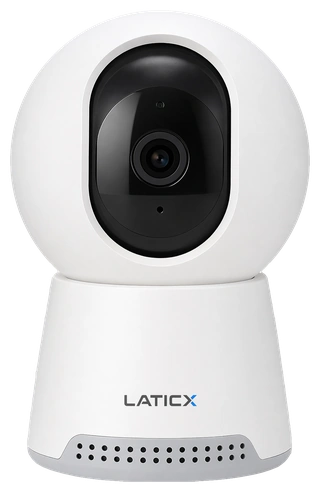
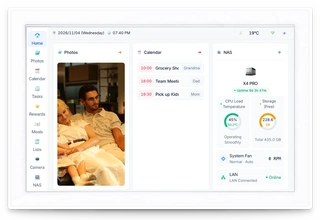
Supported formats, access settings, deletion and access revocation will be documented with each relevant release. C1, N1 and M1 require X4 PRO or X4 PRO MAX, cannot be used on their own and are not compatible with X4. M1 displays approved calendars, reminders and photos.