


M1 Displays
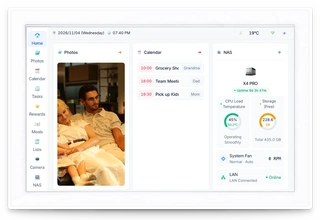
View calendars, meals, photos and NAS status on the 10.1-inch touchscreen.

PUT FAMILY LIFE IN VIEW.
LATICX M1 · Family information display
Pair M1 with X4 PRO or X4 PRO MAX to keep shared calendars, meals and photos in view at home, alongside the status of your NAS.
Requires X4 PRO or X4 PRO MAX. Cannot be used on its own.
Kickstarter add-on · In development and delivery preparation.
M1 · SHARED SCREEN EXPERIENCE
Bring weekly plans and today’s meals into view, with a look at the status of your paired NAS.
See family activities, pickups and shared plans by day, so everyone knows what’s next.
View a recipe, its ingredients and preparation time, then add a dish to today’s meals.
Check your X4 PRO series NAS connection, storage usage and system status from the shared display.
Capacity, temperatures, resource usage and fan speed are sample data.
HOW IT WORKS
View calendars, meals, photos and NAS status on the 10.1-inch touchscreen.
Select the calendars, reminders and albums that belong on your family’s shared screen.
Your NAS supplies content and sharing permissions. M1 presents approved family information.
SPECIFICATIONS
Display, connectivity and mounting details for your shared home screen.
The 128 MB SPI NAND is system storage, not photo storage capacity. Calendar services and device integration depend on supported services and software versions.
GOOD TO KNOW
No. M1 requires X4 PRO or X4 PRO MAX and cannot be used as a standalone device. It is not compatible with X4. The PRO NAS can be used on its own; companion devices are optional add-ons, priced separately.
X4 PRO series supplies content, family context, and sharing permissions. M1 presents that information as a shared family display; it does not independently decide which tasks to perform or content to show.
M1 is designed to display only content explicitly approved for sharing. Choose the calendars, reminders, and photos suited to a shared screen; the official software release will explain the controls.
M1 has a 10.1-inch, 1280 × 800 display with single-point touch and automatic landscape / portrait rotation. It can sit on a desktop or be wall-mounted, and uses continuous plug-in power.
M1 requires X4 PRO or X4 PRO MAX and is not compatible with X4. Third-party calendar connections depend on supported services and software versions; the list will be published at release.
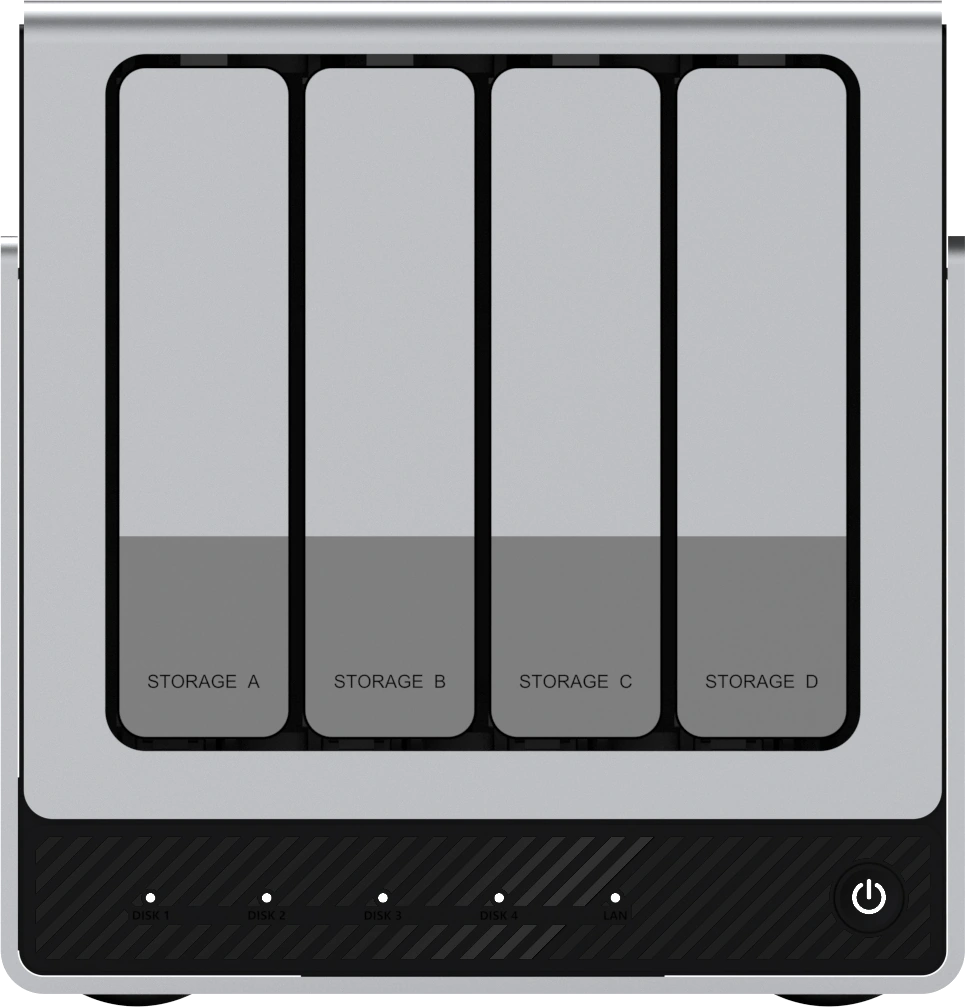
X4 PRO SERIES
C1, N1 and M1 require X4 PRO or X4 PRO MAX. They cannot be used on their own and are not compatible with X4. They are optional campaign add-ons, priced separately; your PRO NAS works independently.
8 GB LPDDR4 system memory
26 TOPS INT8 / 52 TOPS INT4
16 GB LPDDR4 system memory
26 TOPS INT8 / 52 TOPS INT4
Get development updates, app demos and the Kickstarter launch alert.
Notify Me